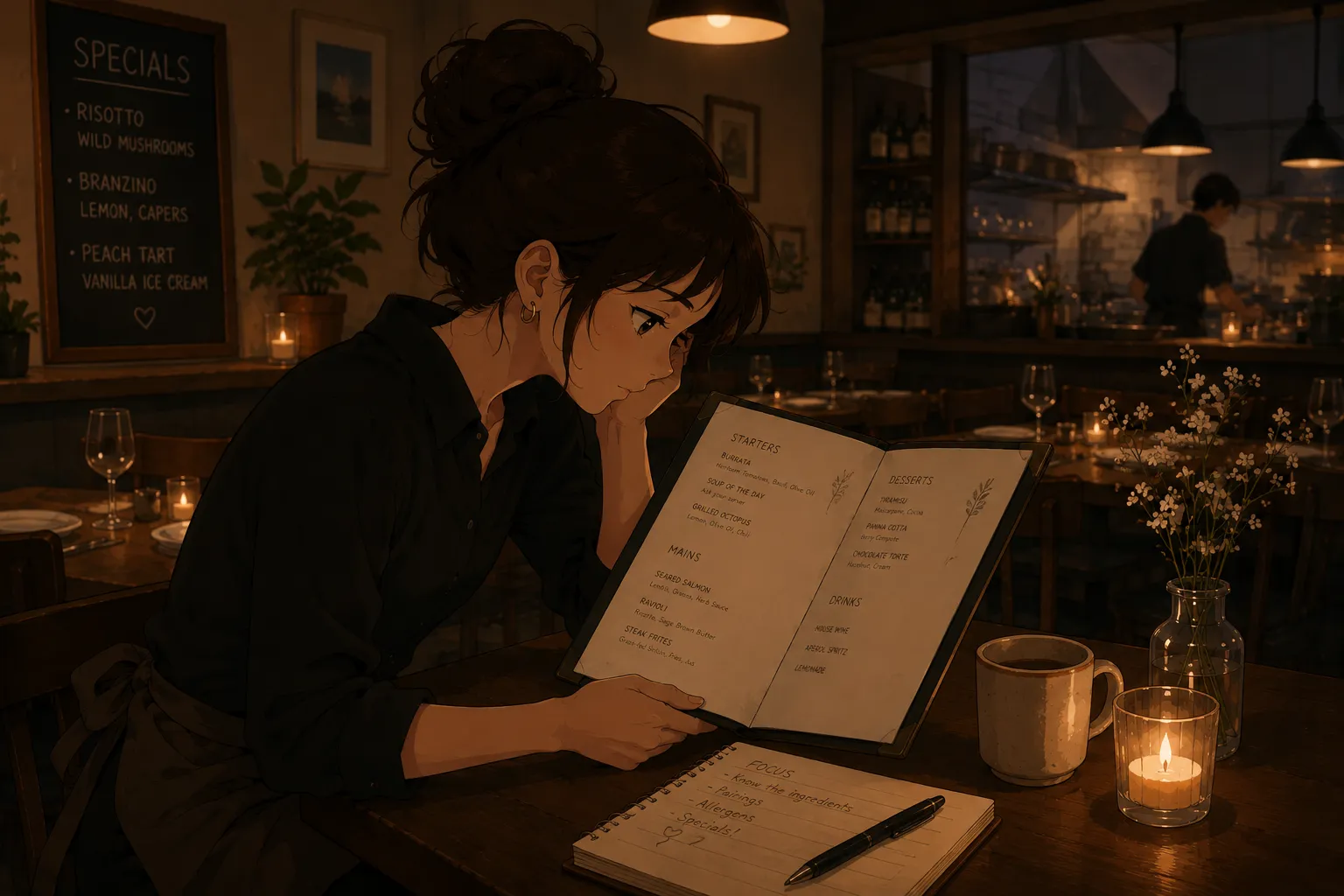
Moving from the cocktail shaker to the wine list is a real jump: cocktails are recipes you build, wine is knowledge you carry, region, grape, tasting notes, and pairings a guest expects on demand. The fastest way across is to turn your PDF sommelier notes into flashcard drills instead of rereading them, and to learn the tasting grid as a repeatable structure. A tool like MenuFlashcards builds that deck from a photo or file. It is in early access on iPhone.
This sits alongside turning a PDF wine list into a flashcard quiz and the restaurant wine list study app for WSET students. The focus here is the steward’s transition and the tasting grid.
Why wine feels harder than cocktails
A cocktail is finite: a recipe with fixed ingredients and steps you can build the same way every time. Wine is open-ended, hundreds of regions and grapes, each with a profile, and guests ask comparative questions a recipe never prepares you for. That is why rote rereading fails: the volume is too high and the questions too varied. A structured deck, built on the tasting grid, gives the sprawl a shape you can actually learn.
Learn the tasting grid as a structure
Stewards and sommeliers describe wine through a consistent grid, sight, nose, palate, and a conclusion, and learning that structure is more useful than memorizing isolated facts. Make a card per wine that follows it:
| Grid step | Example (a dry Riesling) |
|---|---|
| Sight | Pale lemon, clear |
| Nose | Citrus, green apple, mineral |
| Palate | High acid, dry, light body |
| Region and grape | Mosel, Germany, Riesling |
| Pairing | Spicy food, light fish |
Quiz from the wine’s name and from a blind description, so you can both present a wine and recognise one.
Convert your PDF notes instead of rereading
Most stewards are handed PDF tasting notes or a sommelier’s deck, and most just reread them. Uploading or screenshotting that PDF and letting an app build cards from it means you skip retyping and go straight to drilling. The same approach helps when you digitize a blind tasting grid into flashcards or move off the WSET aroma notebook.
Why quizzing beats rereading notes
Rereading tasting notes feels productive but builds recognition, so the grape still escapes you when a guest asks. A review of the testing effect in the US National Library of Medicine shows that producing an answer from memory fixes it far better than rereading. So hide the answer, name the region, grape, and a tasting note out loud, then check.
Anchor regions to a mental map
Wine is geographic, so use a spatial trick. A systematic review and meta-analysis of the method of loci found that anchoring items to locations gives a large boost in recall over plain repetition. Picture the wine map, France here, Italy there, the New World across the ocean, and drop each wine on its region. The regions stop blurring when they have a place.
Do not forget the sulfite question
Wine carries an allergen most guests ask about: sulfites. The EU lists sulphur dioxide and sulphites among its declarable allergens under Regulation 1169/2011, and a steward should answer “yes, it contains sulfites” without hesitation. Add it to the card alongside region and grape, the same way a cocktail card flags egg or dairy.
Space the practice out
Do not cram the list in one sitting. Research on the spacing effect shows the same practice sticks far better spread across short sessions than packed into one block. Three ten-minute rounds across a few days beat an hour the night before, and a final round before service keeps the by-the-glass list sharp.
A common mistake to avoid
The usual error coming from cocktails is treating each wine as a fact to memorize rather than a profile to recognise. You can cram a hundred names and still freeze when a guest describes what they like and asks for a match. Drill from the profile too, “a dry, high-acid white for spicy food,” not just “what is this wine,” so you can recommend, not only recite. Recommending is the skill that separates a steward from a list-reader.
A plan for the transition
- Upload or photograph your PDF sommelier notes and the wine list.
- Build a card per wine on the tasting grid; fix any misreads.
- Start with the by-the-glass list and most-ordered bottles.
- Quiz from the name and from a blind description, out loud.
- Anchor regions to a map, add sulfites to each card, and space the rounds.
Bottom line
The cocktail-to-wine leap comes down to volume and variety, so give it structure: turn your PDF notes into flashcards, learn the tasting grid as a repeatable pattern, and quiz region, grape, and pairing by recall. MenuFlashcards builds that deck from a photo or file, so your notes become pocket drills. It is in early access, so join the list and start with the free deck when it opens.