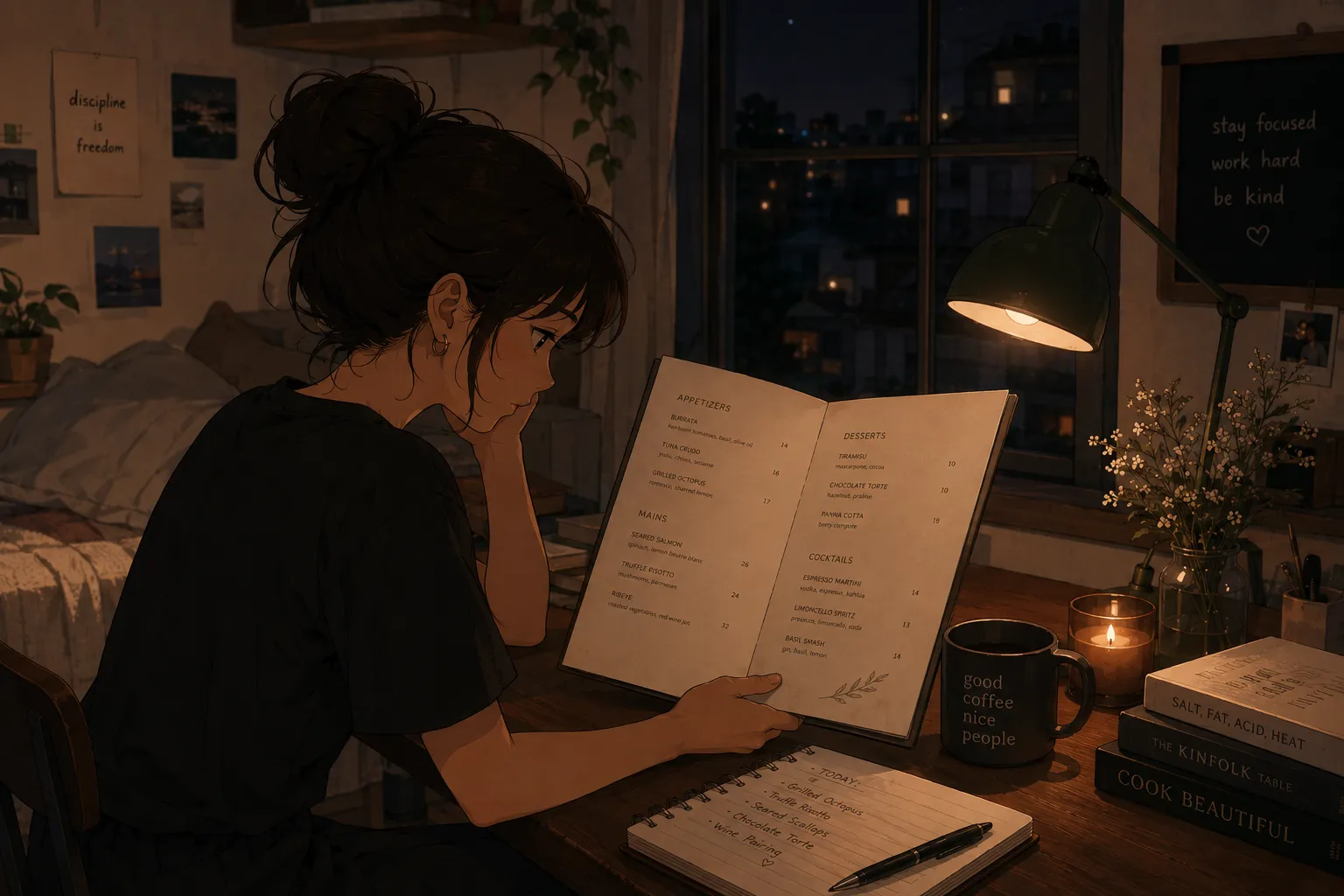
The appeal of a photo-to-quiz app is simple: take a picture, get tested immediately. You point the camera at a menu, a manual, or your notes, and the app turns it into a quiz in seconds, so you start practicing instead of building cards. That speed is the whole value, because the slow part of studying has always been the setup. A tool like MenuFlashcards does exactly this from a single photo. It is in early access on iPhone.
For the deeper study method, see how to memorize a restaurant menu fast. This piece is about why instant matters, and who it helps.
Why instant turnaround is the real feature
Most people do not skip studying because they are lazy; they skip it because the first step is a wall. Hand-writing cards or rebuilding a menu in a generic app is an hour of work before any learning starts, and when a shift or exam is close, that hour is exactly what you do not have. A photo-to-quiz app removes the wall: the deck exists before your motivation fades, so the only thing left to do is the part that works.
What the app actually does
It reads the text off your photo and turns each item into a question-and-answer card, then quizzes you. A menu dish becomes “what is in this and what are its allergens”; a notes page becomes a set of recall prompts. You photograph the page, the quiz appears, and you review it once to fix anything misread. No typing, no formatting, no blank deck staring back at you.
It works for waiters and students alike
The same mechanism serves two audiences. A waiter photographs the menu and drills dishes, allergens, and pairings before a shift. A student photographs a textbook page or their own notes and drills the same way before an exam. The material differs; the method, turn a page into recall prompts and test yourself, does not. If it is text you need in your head by a deadline, a photo-to-quiz app fits.
Why a quiz beats rereading the photo
Having the page on your phone is not the same as knowing it. A review of the testing effect in the US National Library of Medicine shows that producing an answer from memory fixes it far better than rereading. So the value is not just speed of setup, it is that the tool puts you straight into recall: hide the answer, produce it, check. That is the step a photo in your camera roll never makes you take.
Space it, even when time is short
Instant setup buys you time to space the practice, which is how it sticks. Research on the spacing effect shows the same practice sticks far better spread across short sessions than packed into one block. Even overnight, three short rounds with breaks beat one long grind, and the seconds you saved building the deck are the minutes you spend on extra rounds.
The human check still matters
Speed does not excuse accuracy. Scan the generated quiz once and fix any misread, especially anything safety-related like an allergen on a menu or a key figure in notes. A wrong card learned confidently is worse than a gap. Two minutes of checking turns an instant draft into a quiz you can trust.
A common mistake to avoid
The trap with instant tools is treating the quiz as done the moment it appears. Speed gets you a deck, not knowledge: if you generate it and then just scroll through reading the cards, you are back to recognition. The instant part is the setup; the work is still answering from memory. Generate fast, then quiz slowly and honestly, getting answers wrong on purpose so you know exactly what to repeat.
Group what you capture
A photo-to-quiz tool works best when you give it structure afterward. Group the cards by section, menu by course, notes by topic, so related items sit together and patterns surface. A grouped deck is easier to drill in short bursts and lets you target the one section you keep missing, instead of shuffling through everything each round.
A plan for instant studying
- Photograph the menu, manual page, or notes in good light.
- Let the app build the quiz, then fix any misreads.
- Quiz from the prompt, producing the answer before you check.
- Run several short rounds rather than one long block.
- For a menu, add a separate allergen round; for notes, drill the weak spots last.
Bottom line
A photo-to-quiz app earns its keep on speed: take a picture, get tested immediately, and skip the setup that usually kills studying before it starts. It serves waiters facing a shift and students facing an exam the same way, by turning a page into recall practice. MenuFlashcards does this from one photo, with a quick accuracy check on your side. It is in early access, so join the list and start with the free deck when it opens.

