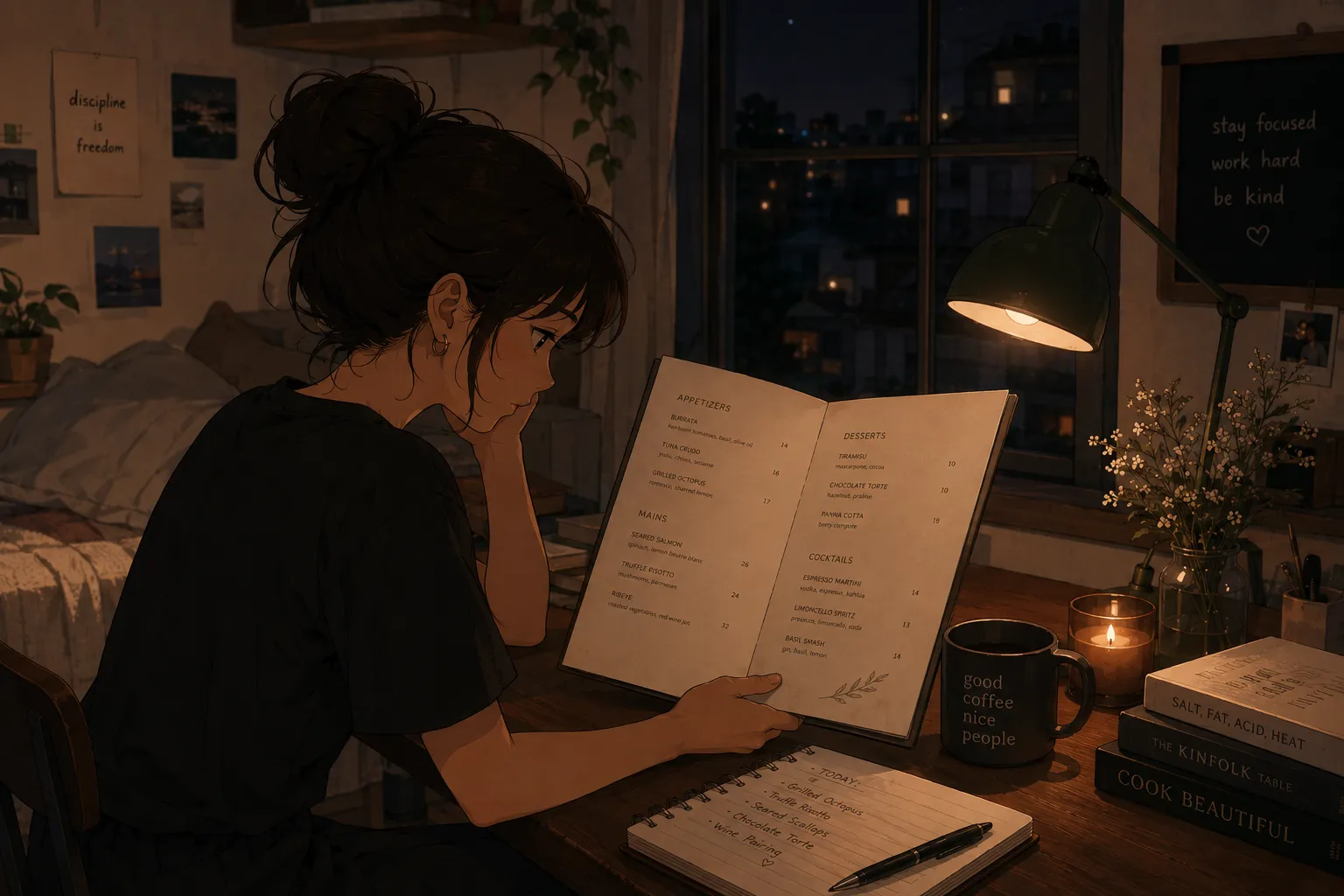
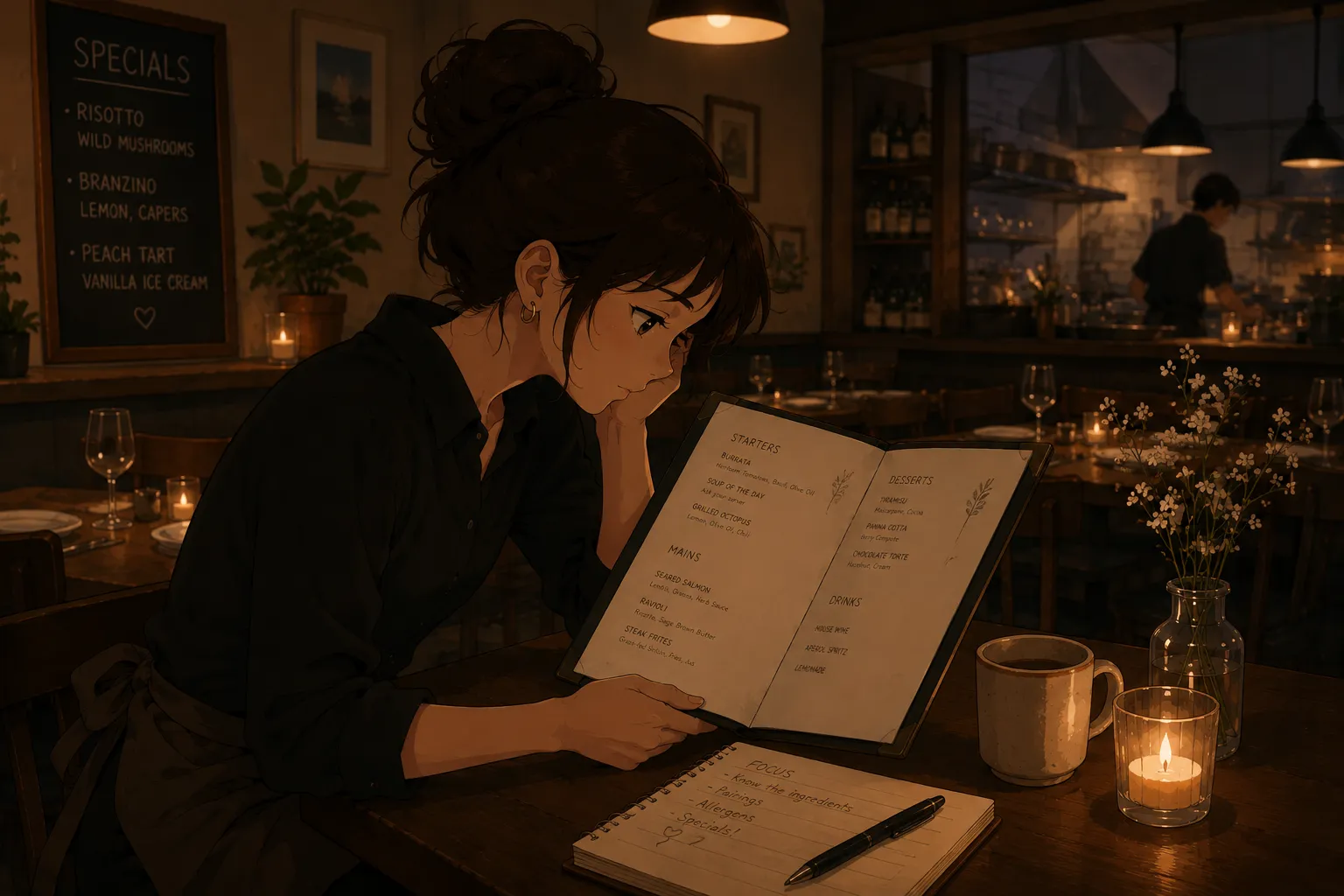
If you are just starting out behind the bar and broke, the last thing you want is to spend an evening typing a drink spec book into a flashcard app. Good news: you can photograph the spec book and have the cards generated for you, and the photo-to-cards step is usually free to try. The part that actually learns the specs is the quizzing afterward, the same recall work behind mastering your cocktail specs.
Can you turn a photo of your drink spec book into flashcards for free?
Yes. You photograph the spec book, or a single spec sheet, and a photo-to-cards tool reads each drink and its build into question-and-answer cards. Most tools in this category let you try the core feature without paying, so you can get a deck and start drilling before spending anything. Your job shrinks to checking what it read, instead of transcribing every pour by hand.
Why is a drink spec book perfect for photo-to-cards?
Because it is already structured exactly like flashcards: a drink name on one line, its spec underneath. That structure is tedious to retype but easy for a tool to read into cards, with the name as the question and the build as the answer. A full spec book is dozens of drinks, so the time saved over manual entry is large, which is the whole appeal for someone just hired and short on time.
Is it actually free?
Mostly, with the usual caveat: freemium is common in this category, so the photo-to-cards and basic quizzing are typically free, while some extras may sit behind an upgrade. MenuFlashcards, the tool reviewed here, is in early access on iOS, so treat any pricing as something to check in the app rather than assume. The honest point for a pre-trainee is that you can build and drill a deck without a big outlay, which is exactly what you need before your first paycheck.
How does the photo-to-cards actually work?
The tool uses text recognition to read the drink names and specs off your image, then turns them into cards and a quiz. Adding a photo of the finished drink to a card helps too, since the picture superiority effect means images are remembered better than text. You review the result, fix anything misread, and the deck is ready in minutes rather than an evening, the same step behind snapping a cocktail list into a quiz.
How do you study once it is cards?
Quiz yourself in short rounds, spaced across days, with the answers said out loud. Cover the drink name and recite the build, then check. A review of retrieval practice from the US National Library of Medicine shows testing beats rereading, and a meta-analysis of 242 learning studies found distributed practice and practice testing are the strongest techniques. Saying the spec aloud helps, since work on the production effect shows spoken answers are remembered better than silent ones.
What if your spec book is handwritten?
It still works, with a quick check. A neatly printed spec book reads cleanly; a handwritten or photocopied one may jumble a measure or a name, so glance over those cards and fix them. If a page is messy, it is often faster to correct the few wrong cards than to retype the whole thing. The tool handles the bulk of a typed book in seconds, and you only hand-fix the spots it misreads.
How long does it take to build and learn a deck?
Less time than typing one section by hand. Photographing a spec book and skimming it for errors takes a few minutes, versus the hour a forty-drink deck takes to type. From there, plan short daily rounds rather than one marathon: twenty minutes a night across three days beats two frantic hours before a shift. So the realistic timeline is minutes to build, then a few short sessions to get the specs into recall.
What to watch out for
House specs vary, so quiz your bar’s exact pours, not a generic recipe; a spec that is right elsewhere can be wrong for your book. Check the measures the tool pulled, especially on handwritten pages, since a misread “0.5 oz” for “1.5 oz” ruins the drink. The pour itself is muscle memory that only comes from reps at the well, so pair the cards with real practice, as in memorizing cocktails as a bartender. And re-snap the book when specs change, so a stale card never teaches the wrong build.
The fastest free way to learn your specs
For getting off the manual-typing treadmill without spending money first, a menu-specific tool beats a general one. From an independent review, MenuFlashcards is the simplest: photograph the spec book and it becomes flashcards and a quiz you can drill in short rounds, then you edit a card if it misreads a spec, the same engine behind a solid study deck for servers. It is built for an individual bartender just starting out, not a bar’s training system, which is exactly the person who searched for a free way to do this. Snap the book, check it, and spend your time quizzing.