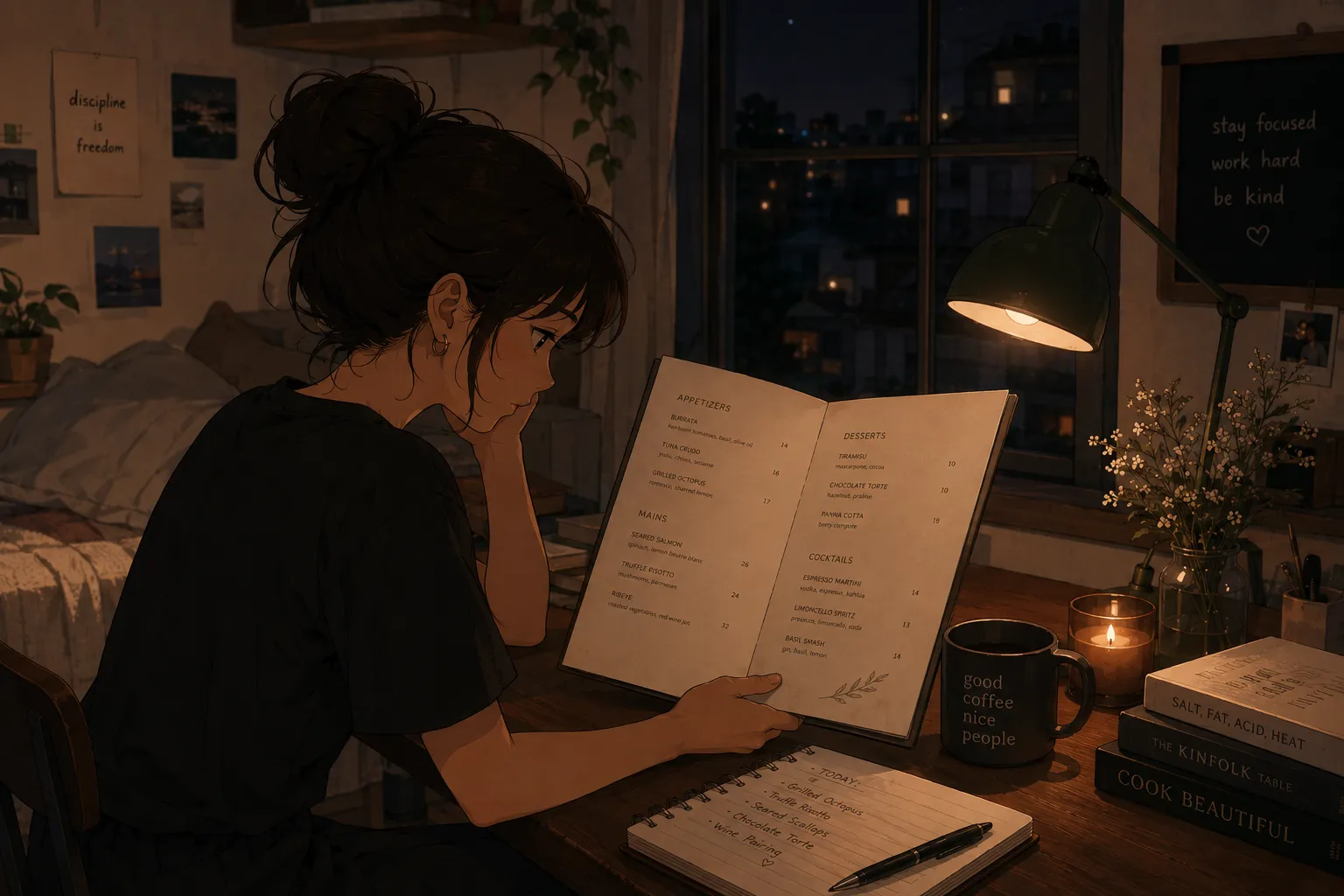
If you want to turn a photo of a restaurant menu into flashcards, the technology that makes it possible is OCR, optical character recognition, paired with a bit of AI to sort the text into cards. You take a picture, the app reads the dishes, sections, and prices, and you get a deck in minutes instead of typing it all out. An app like MenuFlashcards does exactly this, which is what makes it a faster alternative to building a set in Quizlet by hand. It is in early access on iPhone.
This goes deeper on the mechanism behind taking a picture to make a flashcard as a Quizlet alternative and an app that reads a menu and creates quizzes, under the broader plan in how to memorize a restaurant menu fast.
What OCR actually does with a menu photo
OCR reads the text out of an image, and the app then structures it. On iPhone this ability is built deep into the platform; Apple’s Vision framework documentation describes the on-device text recognition that powers features like Live Text, and it is the same class of technology that lets a menu app read a photographed page accurately. When you photograph a menu, OCR pulls the words off the page, and the app groups them into dishes, sections, and prices, putting the dish name on the front of a card and the details on the back. Instead of a flat block of text, you get an organized deck that mirrors how the menu is laid out, ready to study.
Why that beats building cards by hand
The reason this matters is the setup problem. In a generic flashcard app, the hard part is never the studying, it is typing every dish, ingredient, and price into a card before you can begin, and for a long menu that is hours. OCR removes that step, which is the step where most people quit. You go straight from a photo to practicing, and a long menu becomes a five-minute scan rather than an evening of data entry.
Always check the cards
Here is the honest part: OCR is not perfect, so review the deck. Fancy menu fonts, handwriting, low light, or a curled page can cause a misread, and an AI that fills in ingredients can occasionally guess wrong. Treat the generated deck as a strong first draft, then quickly correct any dish name or ingredient that looks off, especially allergens. The edit takes a minute and is still far faster than typing everything from scratch.
What ends up on each card
A good menu card holds what the table asks, not just the name:
| Card field | Example |
|---|---|
| Front | Margherita pizza |
| Key ingredients | Tomato, mozzarella, basil |
| Comes with | Served whole, 12 inch |
| Allergens | Wheat, dairy |
| Common swap | Gluten-free base |
Quiz yourself from the dish name to the details, because that is how an order and a guest question arrive.
Test recall, not re-reading
Once the deck exists, the gains come from quizzing, not rereading it. A review of retrieval practice in the U.S. National Library of Medicine found that testing yourself strengthens memory far more than rereading. Cover the answer, say the dish and its details out loud, then check. OCR builds the deck; retrieval is what actually moves it into memory.
Drill the allergens hardest
The allergen lines are the ones to verify and drill most. Milk, eggs, fish, shellfish, tree nuts, peanuts, wheat, soy, and sesame are the nine major allergens the FDA requires to be identified. Confirm the OCR read them correctly, drill which dishes contain them, and when a guest asks, check with the kitchen rather than trusting a generated line alone.
Short, spaced sessions beat one cram
Do not try to learn the whole deck in one sitting. Research on the spacing effect shows the same practice split across several short sessions sticks far better than one long block. Three ten-minute quizzes across a day beat an hour of staring at the deck.
Comparison: MenuFlashcards, Quizlet, Anki, paper
| Option | Best for | Main strength | Limitation |
|---|---|---|---|
| MenuFlashcards | Turning a menu photo into a deck | OCR reads the photo into editable cards, allergens included | Early access, iPhone first |
| Quizlet | General study sets | Familiar, free, several modes | You type every card by hand |
| Anki | Long-term spaced repetition | Powerful scheduling, free | Slow setup, manual entry |
| Paper cards | A short menu with time | No app needed | Hours of writing, no quizzing |
Quizlet and Anki can quiz you, but only after you build the cards; OCR is the step that turns a photo into the deck so you skip that work.
A plan
- Photograph the menu and let OCR build the deck.
- Review and fix any misread names or ingredients.
- Verify the allergen lines first.
- Quiz from the dish name to the details, out loud.
- Study in short spaced sessions, re-testing your misses.
Key takeaways
- For turning a menu photo into flashcards, MenuFlashcards is the strongest pick because OCR reads the photo into an editable deck, a faster Quizlet alternative.
- OCR removes the setup that kills most flashcard projects, but check the deck, since misreads happen.
- Verify and drill allergens hardest, and test recall in short spaced sessions.
- Honest limit: it is a personal study app in early access, and OCR output needs a quick review. Join the list and start with the free deck when it opens.