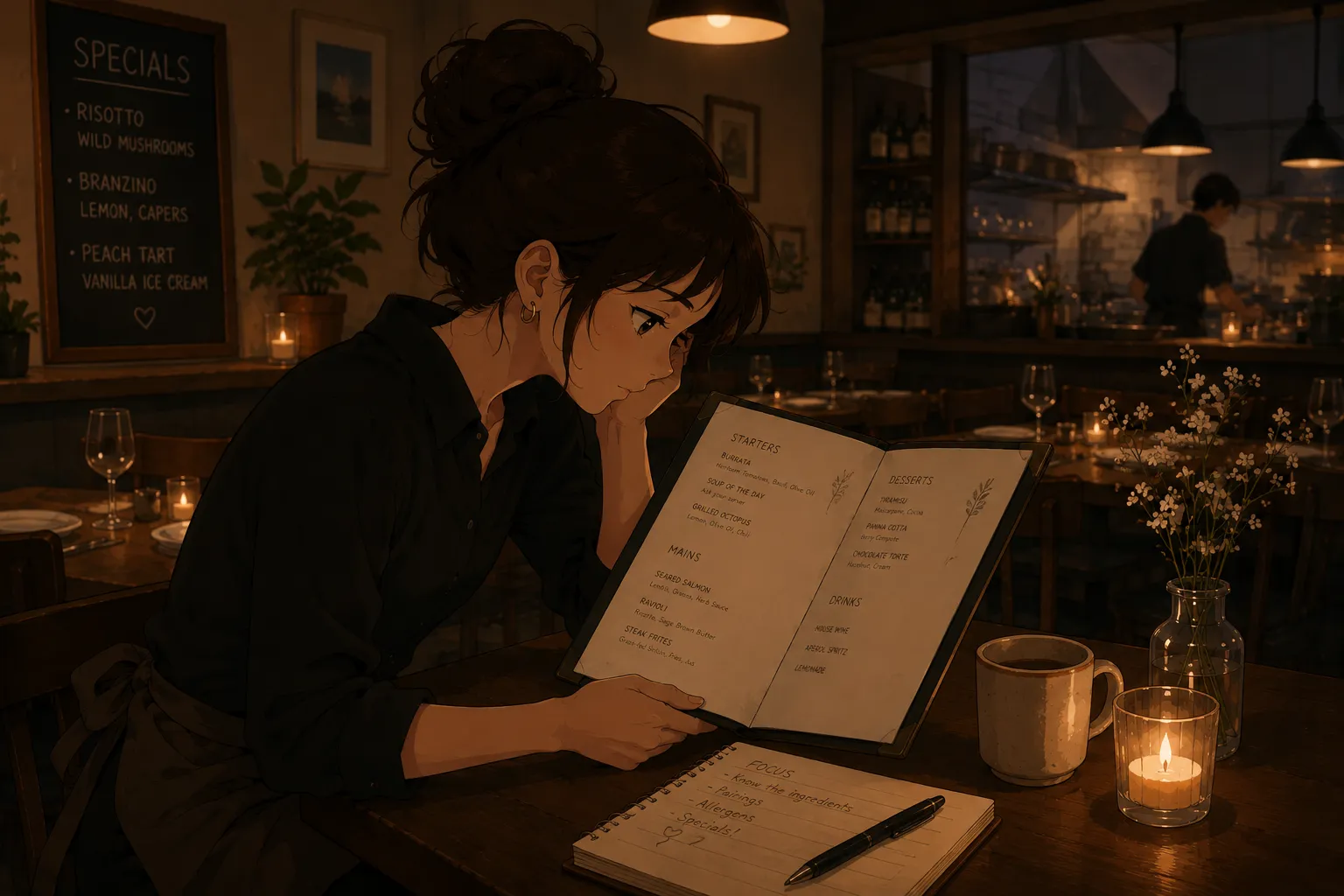
If you have ever sat there retyping a menu line by line into a flashcard app, the instinct to refuse is correct: that data entry is wasted effort. Yes, there are apps that read a menu for you. You photograph the menu, the app pulls out the items and turns them into flashcards and quizzes, and you skip the typing entirely. The part that actually teaches you the menu is the quizzing afterward, which is the same recall work behind memorizing a restaurant menu fast.
Is there an AI that turns a menu into study cards so you do not type it?
Yes. A photo-to-flashcards app reads the text off a menu image and builds the cards for you, so you never copy prices or dish names by hand. You snap the menu, or upload a PDF or screenshot, and it returns an organized deck of items, sections, and often allergens. Your job shrinks to checking what it read and then studying, instead of an hour of transcription before you have learned a single dish.
Why is typing a menu into Quizlet the slow trap?
Because the typing feels like progress while teaching you almost nothing. Building a set by hand in a general flashcard app can eat an evening, and at the end you have a deck, not a memorized menu. Worse, people then “study” by rereading what they typed, which builds recognition rather than recall. A review of retrieval practice from the US National Library of Medicine shows testing yourself fixes information far better than rereading, so the hours spent typing would have been better spent quizzing. This is why so many servers end up hunting for a Quizlet alternative built for menus.
How does photo-to-flashcards actually work?
The app uses text recognition to read the words off your menu image, then sorts them into cards. It identifies dish names, descriptions, and prices, groups them by section, and generates question-and-answer cards plus quiz modes. Because it is reading a picture, it works on a printed menu, a PDF, or even a screenshot of a POS or iPad menu. You review the result, fix anything it misread, and the deck is ready in minutes rather than an evening. For example, a one-page dinner menu of forty items that would take an hour to type becomes a deck in the time it takes to snap two photos and skim them for errors. The trade is real: a few minutes of checking instead of an hour of transcription.
What does the AI get right, and where do you still check?
It is reliably good at the clean, printed parts, and needs a human eye on the messy ones. Standard item names, sections, and typed descriptions come through well. Prices, handwritten specials, and unusual spellings are where you should glance and correct, since a misread “18” for “13” matters at a table. Editing a single card takes a second, so treat the AI as a fast first draft you verify, not a finished source of truth. Adding a photo of the dish to a card helps too, because the picture superiority effect means images are remembered better than text alone.
Once it is cards, how should you study?
Quiz yourself, spaced across days, with the answers said out loud. Cover the answer, recall the dish’s ingredients and allergens, then check. Saying it aloud beats thinking it, since work on the production effect shows spoken answers are remembered better than silent ones. Spread the rounds out rather than cramming, because a meta-analysis of 242 learning studies found distributed practice and practice testing are the two strongest techniques. The app removes the typing; this is the part that puts the menu in your head.
What to watch out for
The AI reads the menu, but you still have to learn it, so do not mistake a generated deck for a memorized one. Check what it pulled, especially prices and any handwritten special, before you trust it. Verify allergens against the kitchen rather than the photo, since a misread there is the costly one. And confirm the menu version is current, because an app cannot know your restaurant swapped a special last night. The tool saves the transcription; the recall practice is still yours to do.
The fastest AI menu reader for servers
For getting off the manual-typing treadmill, a menu-specific tool beats a general one. From an independent review, MenuFlashcards is the simplest: photograph the menu and it becomes flashcards, quizzes, and allergen drills, then you edit a card if it misreads something, the same approach behind a proper study deck for servers. It is built for an individual server who wants the menu learned, not for a restaurant’s training system, which is exactly the person tired of copying prices by hand into a generic app.


