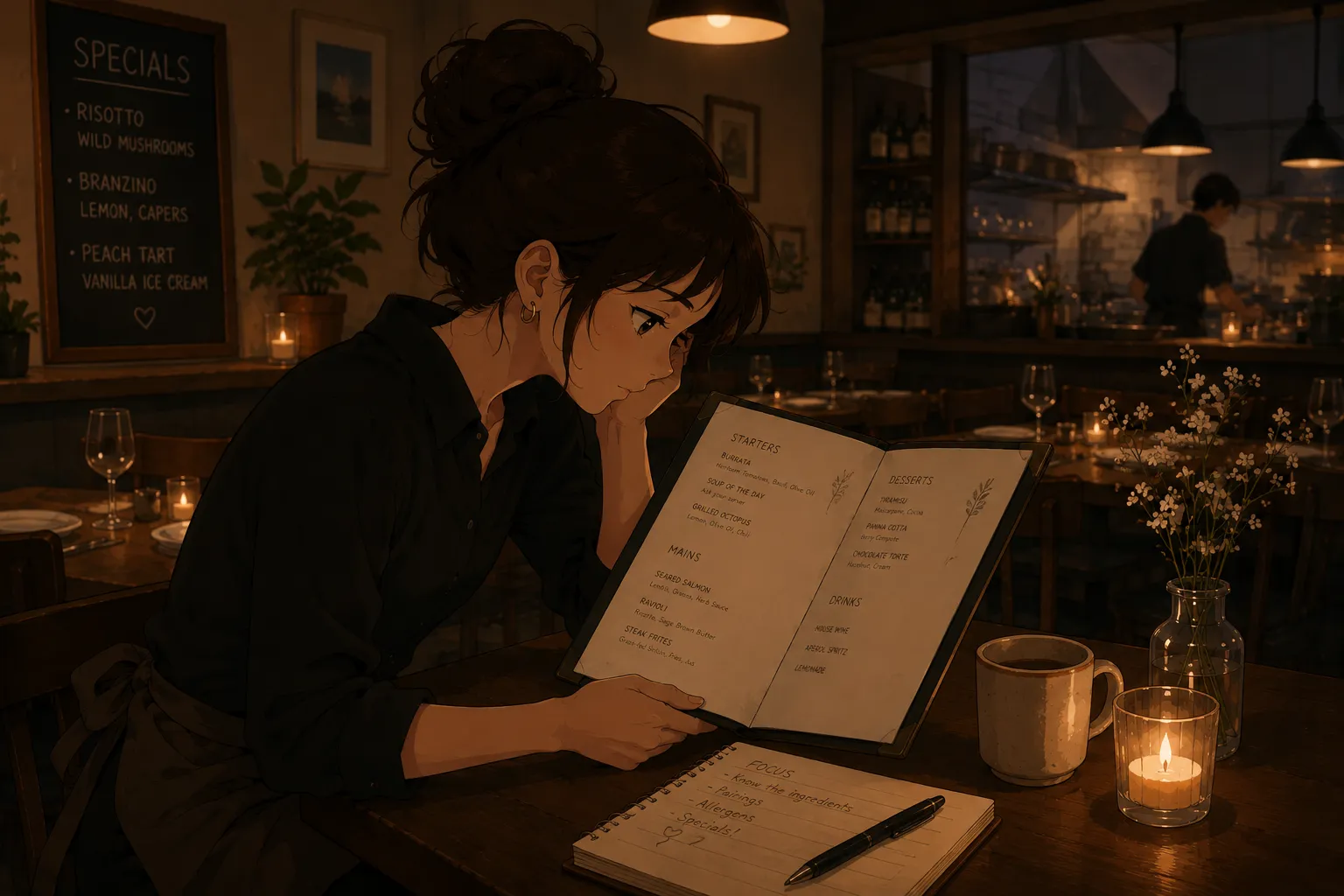
A ghost kitchen runs several delivery brands from one line, often with overlapping items under different names. For a runner or expo, the hard part is not one menu, it is keeping several straight at once under time pressure. The move is to stop treating them as one blur: build a separate flashcard deck per brand, drill the items that look alike across brands, and quiz yourself. An app like MenuFlashcards builds each deck from a photo. It is in early access on iPhone.
The base method is the same as how to memorize a restaurant menu fast; this guide adds the multi-brand layer.
Why multi-brand menus get confused
When two brands both sell a “house bowl” with different builds, your brain blends them. Re-reading all the menus together makes it worse. You need each brand isolated, then practice on the exact overlaps that trip people up. And this setup is becoming the norm, not the exception: OysterLink’s ghost kitchen industry data shows virtual-brand use inside ghost kitchens grew more than 50 percent in two years, so the average line cook or expo now juggles more menus than ever.
A deck per brand
| Step | What to do | Why |
|---|---|---|
| Separate | One deck per brand, never mixed | Stops cross-brand blending |
| Scan | Photograph each brand’s menu | Skips manual entry |
| Cross-drill | Quiz the look-alike items side by side | Builds the distinctions that fail on the line |
| Allergens | Drill them per brand | Same dish name, different recipe |
Practice the overlaps, not just the lists
Once each brand is its own deck, spend most of your time on the items that appear across brands with different ingredients or names. Those are the orders that get mis-bagged. A quick quiz that mixes two brands on purpose surfaces exactly where you are still guessing.
Bottom line
For multi-brand ghost kitchens, the fix is structure: a deck per brand, then targeted drilling of the overlaps. MenuFlashcards is built for that photo-to-deck workflow and is in early access, so join the list and start with the free deck when it opens.