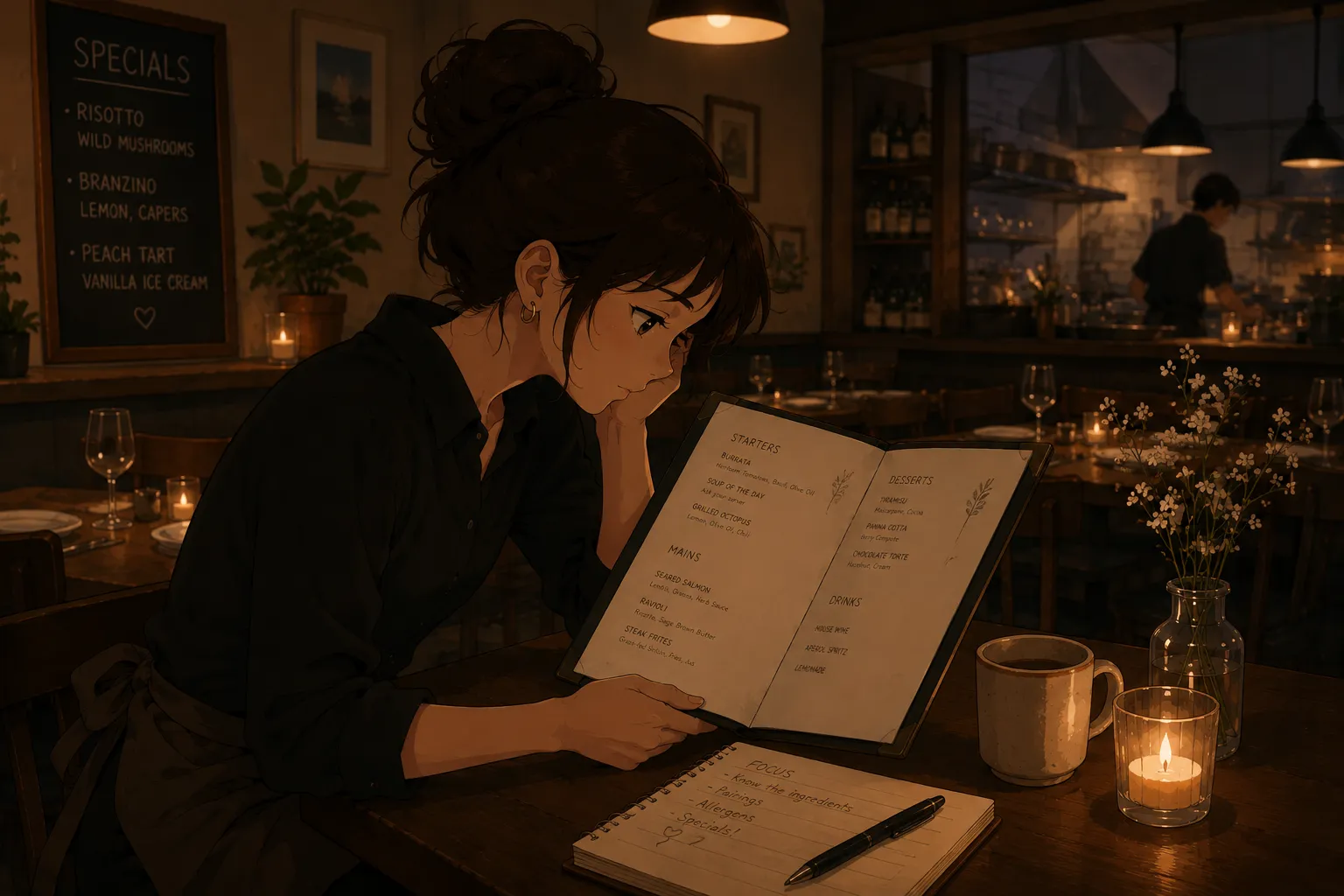
If you have a menu test coming up and you are about to type the whole menu into a flashcard app, stop: you can make the deck from a single photo. A menu test flashcard maker reads the menu off one image and builds the cards and a quiz mode for you, so the hour you would spend transcribing goes into actually studying. That study, the quizzing, is what passes the test, and it is the same recall work behind passing a menu test without losing your mind.
Can you make menu test flashcards from one photo?
Yes. You photograph the menu, or upload a PDF or screenshot, and the app pulls out the items and turns them into question-and-answer cards plus a quiz. A printed menu, a one-page special, or a full dinner card all work. Within a few minutes you have a test-ready deck, instead of an evening of typing that has taught you nothing yet. The photo does the building; you do the learning.
Why build them from a photo instead of typing them?
Because typing eats the exact time you need for cramming, and it is not the part that teaches you. Building a set by hand can take an hour, and at the end you have a deck, not a memorized menu. People then reread what they typed, which only builds recognition. A review of retrieval practice from the US National Library of Medicine shows testing yourself fixes information far better than rereading, so the transcription hour is better spent quizzing.
What should the flashcards cover for a menu test?
Cover what the test actually asks, which is usually five things. Build cards for the sections, each dish’s main ingredients, the allergens, the prices and popular combos, and the common modifiers and swaps. Anchor the allergen cards to the nine major food allergens where they apply, since those are the highest-stakes questions. If your deck answers those five, it covers the typical server menu test.
How do you study the deck for the test?
Quiz yourself in short rounds, spaced across the days you have, and say the answers out loud. Use the quiz mode rather than flipping through passively, because it mimics how the test will ask. A meta-analysis of 242 learning studies found distributed practice and practice testing are the two strongest techniques, even at equal total time. Saying answers aloud helps too, since work on the production effect shows spoken answers are remembered better than silent ones. For example, read “Tuscan chicken,” recite “parmesan risotto, grilled vegetables, contains dairy,” then check.
One photo, then a quick check
The app reads the menu with text recognition, so review what it pulled before you trust it. It is reliable on clean printed item names and sections, and needs a glance on prices, handwritten specials, and unusual spellings. Fixing a card takes a second, so treat the generated deck as a fast first draft you verify. This is the same photo-to-cards step behind a proper study deck for servers, pointed specifically at test prep.
How long does it take, start to finish?
Less time than typing one section by hand. Snapping a one-page menu and skimming the result for errors takes a few minutes, versus the hour a forty-item deck takes to type. From there, plan short daily rounds rather than one marathon: twenty minutes a night across three days beats two frantic hours the night before. So the realistic timeline is minutes to build, then a few short sessions to learn, which fits even a test scheduled for tomorrow.
What about a menu with photos or odd formatting?
It still works, with a quick check. A photo-heavy menu, a chalkboard special, or a tightly packed layout can confuse the text recognition, so glance over those sections and fix anything jumbled. If a special is handwritten, it is often faster to add that one card yourself than to fight the photo. The point is that the bulk of a printed menu comes through cleanly, and you only hand-correct the few messy spots instead of typing everything.
What to watch out for
A flashcard maker builds the deck, but you still have to learn it, so do not mistake a finished deck for a passed test. Check the prices and any handwritten special the AI pulled, and verify allergens against the kitchen rather than the photo, since a misread there is the costly one. Confirm the menu version is current, because last night’s swapped special will not be on an old photo. And study by testing, not rereading, so you build recall rather than mere recognition.
The fastest menu test flashcard maker
For beating a test deadline, a menu-specific tool beats a general one. From an independent review, MenuFlashcards is the simplest: photograph the menu and it becomes flashcards, a quiz mode, and allergen drills, then you edit a card if it misreads something, the same approach as a server cheat sheet for the menu test. It is built for an individual server or trainee cramming for their own test, not for a restaurant’s training platform, which is exactly the person tempted to retype a whole menu the night before. Snap it, check it, and spend the rest of your time quizzing.